

Blog Detail

(1)If the laser is faulty, check whether the power supply and water supply for the laser are normal.
(2)If the machine does not emit light by pressing the light output button, check whether the laser is running normally, whether the light output control system is started, or whether the handheld protection chuck is clamped with the welding workpiece.
(3)When the energy is suddenly weak during welding,Please check whether the protective lens is damaged or blocked by dust.
(4)Laser head protection: When the laser head appears (E) signal or no data output, the system detects the motor fault, the laser head status light is off, and the system stops sending optical signals. The torch state can light, but the trigger is not valid. The status of the laser head is not displayed: The X.Y motor cable may be loose, or the 15V power input is interrupted, or the motor is damaged.
(5)On-state protection: The on-state signal is controlled by an independent 24V voltage, and when it receives interference signals or non-own 24V voltage, the state turn off and the system stops sending optical signals. The torch state can light, but the trigger is not valid. No on-state display or intermittent light output during welding: it may be that the pilot communication number is not connected or the line is loose and not plugged tightly, and the crocodile clip is not looped with the DT1 signal. The intermittent light may be due to the loosening of the copper nozzle or the rusting of the plate during the welding process, and the clamp is not connected.
(6)Welding torch status protection: When the welding torch receives the on-state and the laser head state are all normal, the trigger button can be pressed to produce light.
(7)Trigger button protection: This button sets up multiple independent loops, that is, in any protection function is interfered with or fails, loosening the trigger button can force the system to stop the connection with the laser, effectively preventing the emission of laser.
(8)System leakage protection: the motherboard adds multiple isolation protection to prevent chassis leakage, lightning and other factors from burning the motherboard or interfering with the motherboard.
(9)Shell protection: the motherboard and drive are protected by a metal shell, which can better shield external interference.
(10)The gas cannot be controlled: the gas button on the touch screen is not closed or the gas delay is set too high, or the positive and negative terminals of the gas valve are reversed.
(11)Easy to burn the protective lens: the gas is not pure or no air pressure, the flood plug ring is damaged, the red light offset is too large, and the plate has oil stains or other thing effect effect normal work.
(12)Overheating of the welding torch head: the protective lens is burned or the water circulation of the chiller is blocked or the laser fiber diameter is too large.
(13)Touch screen parameters can not be modified: may be due to strong static interference or touch screen program garbled code, restart the program can be solved.
If you want to know more about our machines or need any help , please send email to sales@xc-laser.com
XC-Laser . Mr . Tom Song
Related Blogs
-
 Welcome to Jinnan Xing Chuang Laser Equipment Co.,Ltd / XC - Laser .
 -
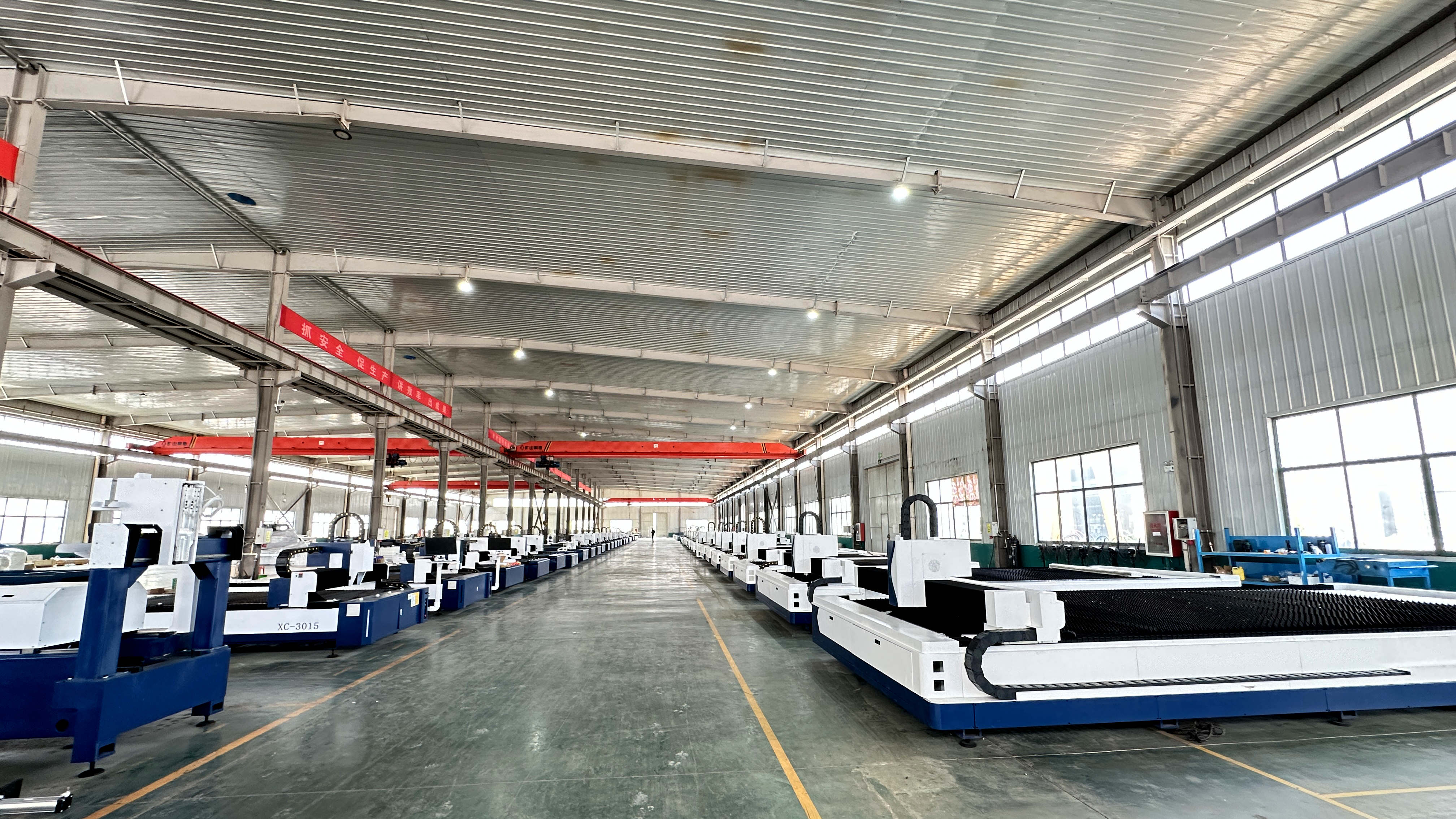 Real Photo of Our Laser Cutting Machine Workshop
 -
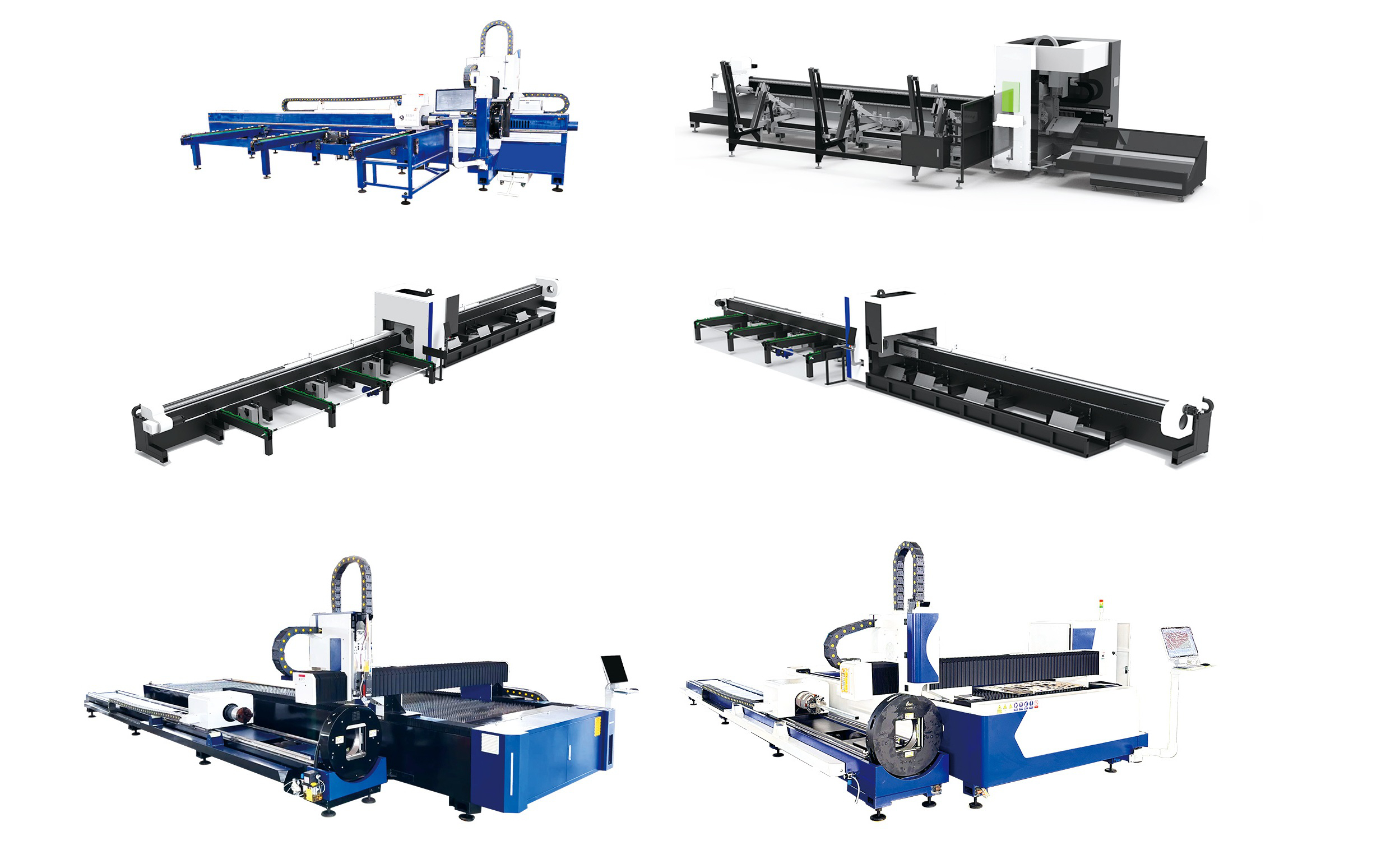 2 Chucks Tube Cutting Machine , 3 Chucks Tube Cutting Machine , Tube And Plate Integrated Laser Cutting Machine
 -
 Laser cutting machines are widely used in various industries such as metal processing, sheet metal manufacturing, and precision engineering, and their stable operation relies heavily on high-quality consumables. These consumables, though small in size, directly affect the cutting accuracy, efficienc


